Your assistant is an auxiliary system too
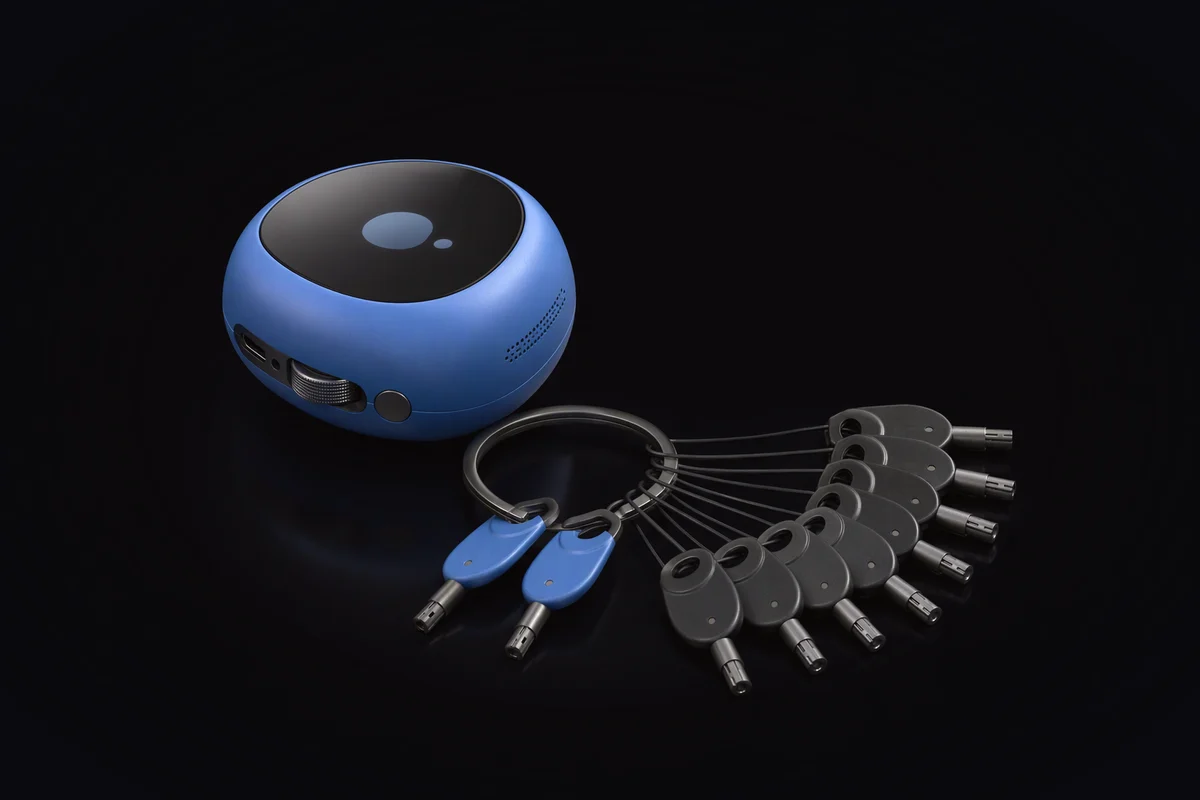
Six months ago you connected an assistant to your mail, your calendar and your document drive. The consent screen had nine lines and you pressed “Allow all”, because all you wanted was for it to book meetings. It has worked ever since. Nobody has checked what exactly it was given, for how long, or what it says when someone asks it for something it should not tell.
It is not on the company’s list of systems either. Mail is there, accounting is there, the shop is there. The assistant is “just an add-on”.
The real cause: the add-on holds every key and nobody watches it
In autumn 2026 a lot was written about ARTEX: an open-source system for autonomous penetration testing in which several agents driven by a language model break a target down into steps on their own, run real tools and record what they find. According to accounts gathered in, among others, a Cloud Security Alliance research note, an unidentified actor used it in October against financial institutions in South Korea. Investigators stressed that the tool did not act alone. A person was driving it.
ARTEX originated in the Autumn-27/ARTEX repository on GitHub; many forks circulate today. Defensive material was published alongside one of them: a description of how such an agent works and what gives it away. Three things in that material matter to anyone who owns an assistant.
First, an agent like this does not open with clever tricks. It opens with whatever is exposed and neglected. Second, its usual way in is an auxiliary system: something bolted onto the main service and watched less closely than the service itself. Third, in the authors’ words, it “actively harvests clues from error responses”. It reads error messages the way you read a map.
An assistant with access to mail, calendar and files fits the description of an auxiliary system completely. It sits off to the side, it holds broad permissions, and nobody thinks of it as a system.
Where an assistant gives away more than it should
Secrets in answers. An assistant that can read a mailbox can read everything that ever landed in it: temporary passwords, reset links, keys sent “just this once”. If it will quote those to anyone who asks nicely, the mailbox is no longer closed.
Talkative error messages. “I can’t open contract-2026.pdf in the Board folder because the token for user martha has expired” is four facts for someone who is still looking around: a file name, a folder structure, an account name and a sign-in mechanism. A person would not notice them. An agent records each one and comes back with a better question.
Tokens with too wide a scope. Booking meetings needs the calendar. The assistant also got reading and sending mail, the whole drive and the contacts, because that is what the consent screen offered. Every permission it does not need is a door somebody will try one day.
Tokens that live too long. Consent given half a year ago still works, including on the phone you no longer use and in the integration you forgot about. A token that never expires is a password with no owner.
One sign-in for everything. Once authenticated, the assistant can check the weather and, just as easily, send a message in your name to your whole contact list or share a folder outside the company. There is no threshold between those operations.
No trail. If someone takes over the assistant’s session, “what did it do in the last twenty-four hours” should have an answer. Often it does not.
None of this is new. The pace is. A person probing an assistant one question at a time gets tired eventually. An agent does not tire, takes no breaks, and answers every refusal with another variation.
What to design instead
KyberBot is pre-launch. What follows are design rules, not a description of shipped features. KyberBot is also not an attack-detection tool or a firewall, and it does not promise to stop ARTEX or anything like it. These are the rules meant to keep the assistant itself from being the weakest link.
The smallest scope, granted per task. The assistant asks for the calendar when it has a meeting to book and for mail when it has a message to write. There is no single “everything” consent.
Permissions with an expiry date. Access lapses on its own and has to be renewed. A forgotten integration stops working instead of waiting for someone to find it.
A secret goes to the point of use, not into the conversation. A password or key is injected where it is needed, and the assistant cannot say it aloud or paste it into an answer. KyberCells, where KyberAgent swarms work, follow the same rule.
An error says little outside and a lot in the log. The person asking hears “I can’t do that”. The details, which file, which account and why, go into a record only you can read.
A sensitive operation needs fresh confirmation. Sending a message to many people, sharing a file externally, changing a password, paying: before each of these the assistant asks, and checks that it is really you, on a device you have with you. A session that is still open is not enough.
Every action leaves a receipt. What the assistant did, on whose instruction and under which permission. Why that record matters after an incident is covered in Every motion needs a receipt.
The memory is yours, and encrypted. An assistant whose memory sits on your own devices has less to give away to someone who breaks into somebody else’s server. More in An assistant that knows you.
A test you can run today
Take the assistant or bot you use, at home or at work, and a sheet of paper with two columns.
- What it actually has. In your mail and drive account settings, open the list of apps with access. Copy every permission the assistant holds into the left column: read mail, send mail, calendar, files, contacts.
- What it needs. In the right column, write what you used the assistant for in the last month. Cross out everything on the left that has no match on the right, then really revoke it.
- For how long. For each permission that remains, check when consent was given. If the oldest is more than a year old and belongs to a device you no longer own, revoke it and grant it again.
- What it says when it refuses. Ask for a file that does not exist and for something it has no access to. Read the answer as a stranger would: how many names, paths and accounts are in it?
- The threshold. Ask it to send a message to several people at once. Did it ask you to confirm?
If the left column is twice as long as the right, the consents are more than a year old and a refusal contains a folder name, your assistant is an auxiliary system nobody is watching. We are designing KyberBot so that the list is short by construction: the assistant should hold only what it needs, only for as long as it needs it, and be able to refuse without describing what it has inside.
Sources
- ARTEX originated in the Autumn-27/ARTEX repository on GitHub; many forks circulate today. The defensive conclusions come from defensive material published alongside one of the forks.
- Cloud Security Alliance, research note on ARTEX, October 2026. cloudsecurityalliance.org
The account of the campaign comes from published reports and research notes, not from our own findings. The design rules and the test are ours.
- permissions
- tokens
- secrets
- autonomous attack
- ARTEX